Calculator
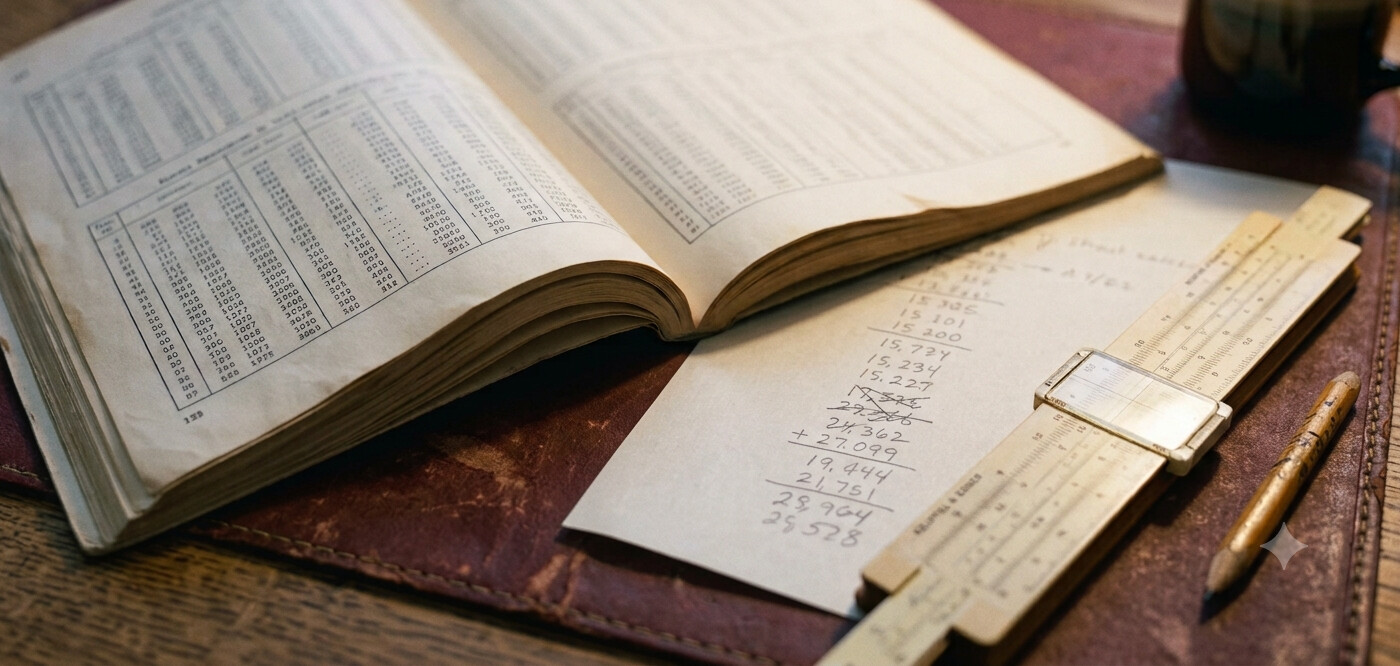
An LGP-30 programmer spent a good part of the day converting numbers. People think in decimal. The machine's addresses and words were written in its own hexadecimal. Binary was the only way to see which bits were set, and the machine's arithmetic treated every number as a fraction. All of it was done by hand, with printed tables and scratch paper.
This calculator does the same conversions. Type a value into any field and the others follow.
Using it
- A leading minus sign works in any field except Word.
- Decimal, Hex, Octal and LGP-30 hex accept a point and a fraction:
5.25,5.4,5.2. In binary the whole part and the fraction have separate fields. - The whole part is limited to 31 bits, the size of the LGP-30's magnitude. Fractions are limited to 31 bits too.
- Decimal fractions that are not sums of powers of a half, such as .1, are rounded to the nearest 31-bit binary fraction. The real machine had the same problem.
Decimal, Hex, Octal and Binary show a number the way people write it: a sign, then a magnitude. That is not how the machine stores it. For that, see Word below.
LGP-30 hex
The LGP-30 wrote hexadecimal with the digits 0 to 9 followed by f, g, j, k, q and w
for 10 to 15, not a to f. So 250 in decimal is FA in ordinary hex and wf
on the LGP-30. You will meet this notation in the original manuals and program
listings. The IDE uses decimal track and sector numbers instead, so you only need it
for reading old material. LGP-30 Hex explains
where the letters come from.
Words
A word on the drum is 32 bits. The top bit is the sign, the next 30 hold the
magnitude, and the lowest bit is a spacer that is always zero. Negative numbers are
stored in two's complement, not as a magnitude with the sign bit set. The Word field
shows the eight digits the IDE's memory and register panes display for a whole
number, in LGP-30 hex unless you switch to standard hex with the button beside it.
The spacer bit is why 42 appears as 00000054: the value is shifted one
place left.
The same bits can also be read as an instruction. The line under the Word field shows how: the instruction letter comes from bits 17 to 20 and the address from the track and sector fields. Type a word from the memory pane into the Word field to see both readings at once.
Fractions and scale factors
The LGP-30's multiply and divide treat a word as a fraction strictly between -1 and 1. To work with larger numbers, a programmer chose a scale factor q and stored each number as a binary fraction times 2q. The Fraction row shows the current value in that form. By default q is the smallest that fits. Type your own q to see how a value encodes at a scale you have already fixed for the rest of a program; the calculator says so if the value does not fit.
In the IDE
The IDE and the debugger have a compact version of this calculator. Open it with the Calculator button in the toolbar. It stays open as you move between the two pages.